









FAQs
To access your new Customer Portal, open the email* from Senske with the subject line: Welcome to Your New Senske Customer Portal!
*If you have not received an email inviting you to the Customer portal, move to the next question, "How do I register?"
To visit the Customer Portal Login screen, click the "Customer Portal" button in your email or click this link: https://www.mylawnportal.com/s/login/?expid=SenskeServices
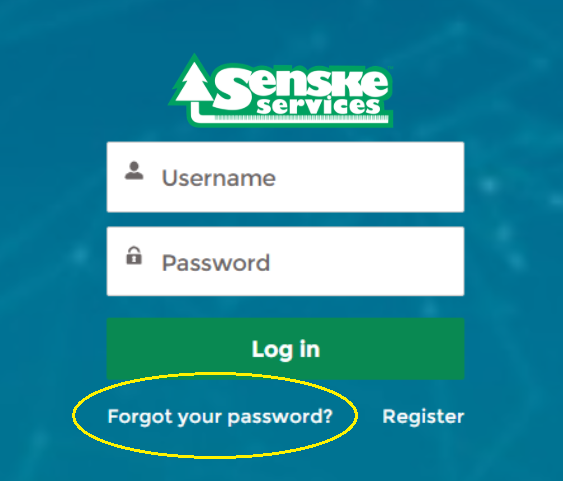
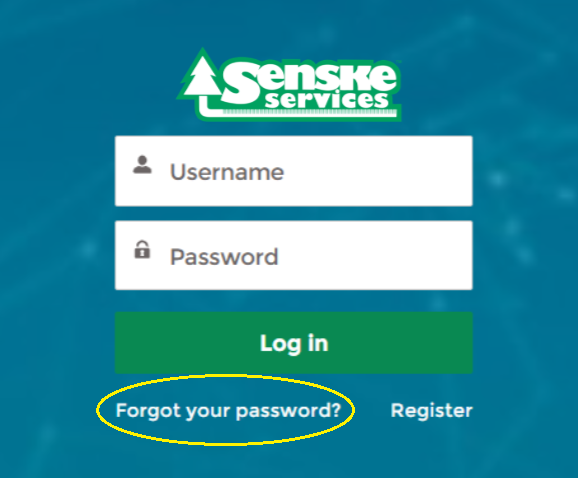
Select “Forgot Password”. You will be emailed a link to reset your password.
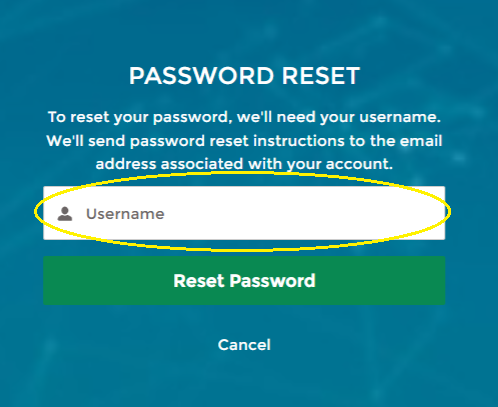
Within the email, you’ll find your new username. Copy your new username and paste it into the Password Reset screen.
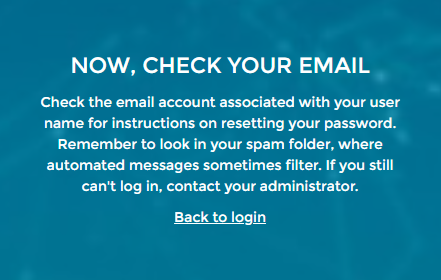
After you select "Reset Password", open your email and follow the instructions to continue with the password reset.
Each new user should receive an email from Senske with the subject line: Welcome to Your New Senske Customer Portal!
Your username will be included in that email. If you accidentally deleted your 'Welcome' email and need access to your username, please call our office: (877) 944-4007.
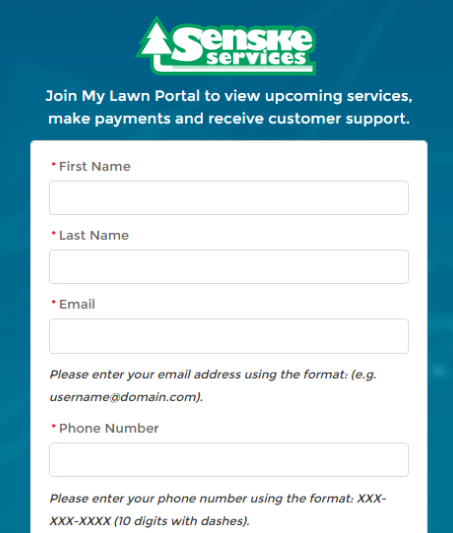
If you have not received an email and would like to register yourself online, visit your Customer Portal: https://www.mylawnportal.com/s/login/?expid=SenskeServices
Select "Register".
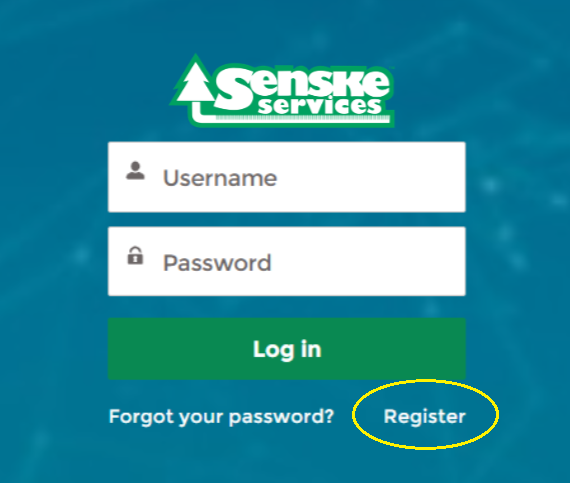
Fill out the form and select "Register".
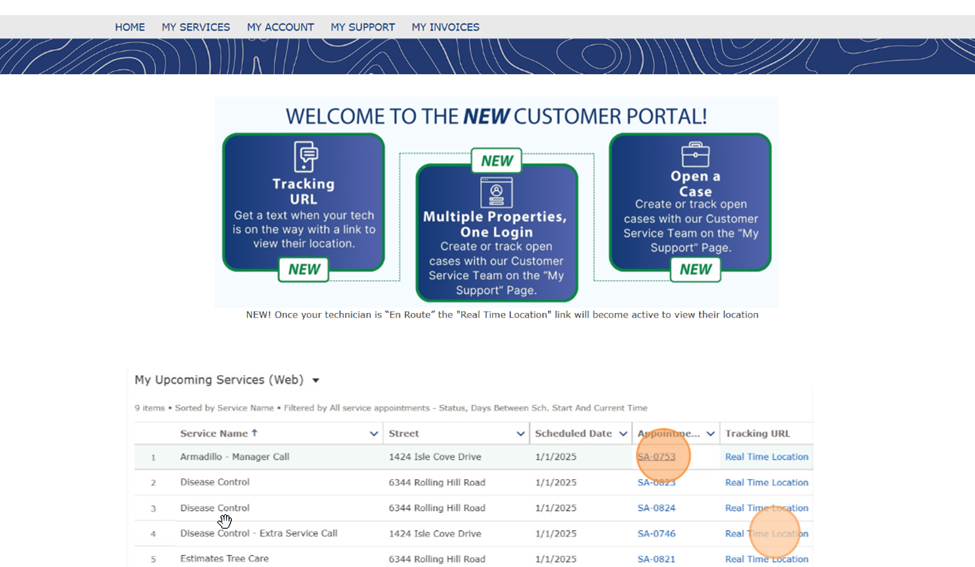
Once logged into the Customer Portal, click “My Account.” You’ll find the account owner, phone number, and billing address along the top.
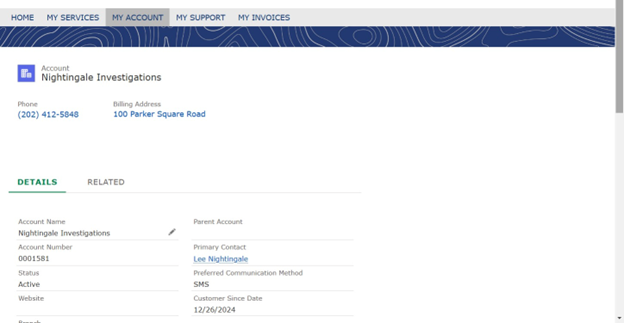
The account number is found under “Details”, as well as the account status, service branch, and preferred communication method.
By clicking “Related” you’ll see associated Contacts and Assets (properties). To access more information, click on the individual contact names or property addresses.
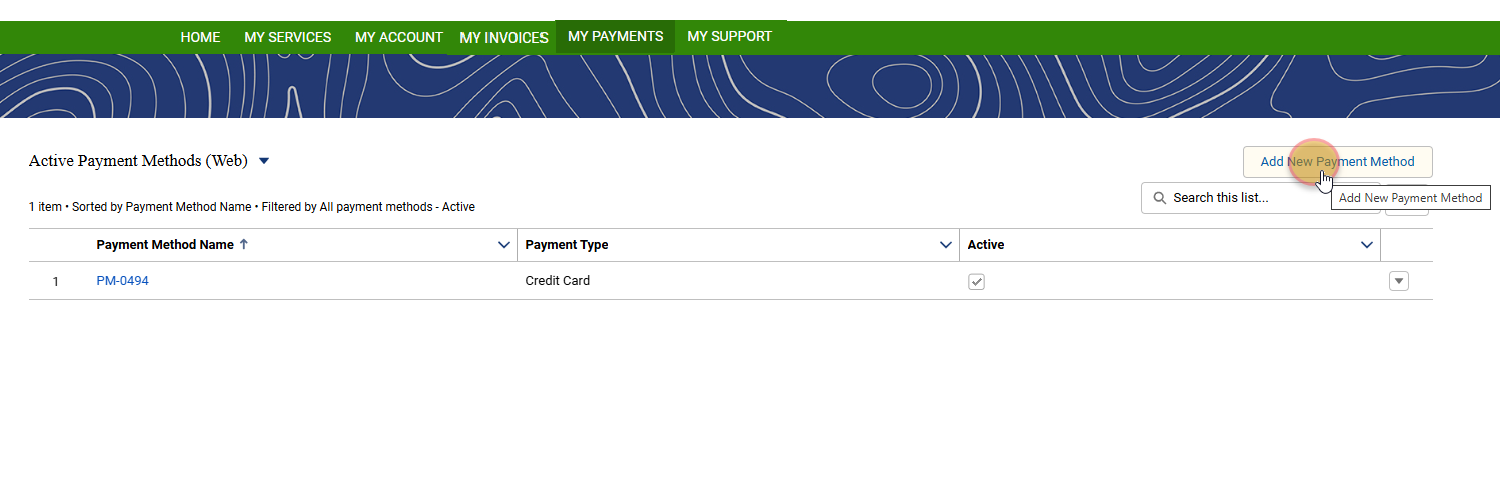
To add a new payment method, login to your Customer Portal.
Navigate to "My Payments" and select "Add New Payment Method". Enter your new payment information into the pop-up window and submit.
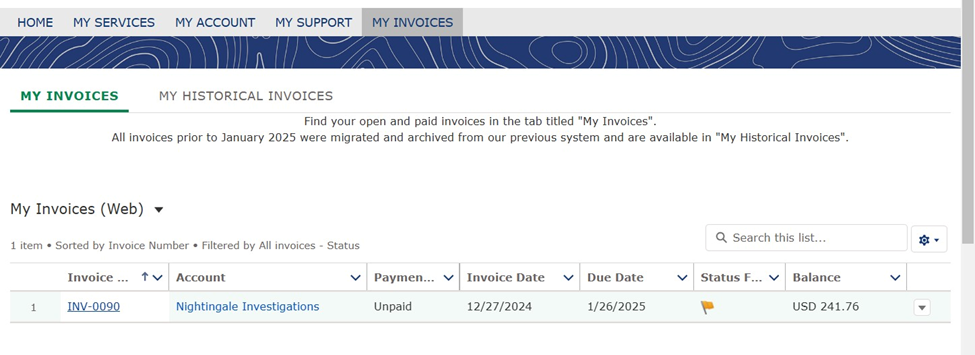
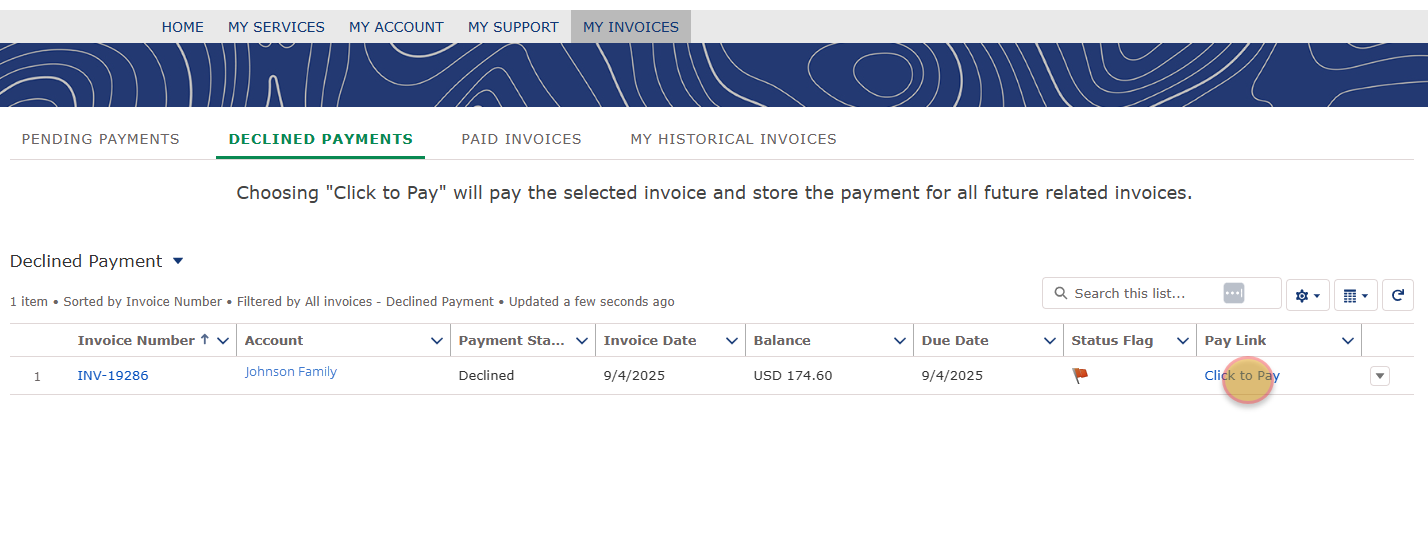
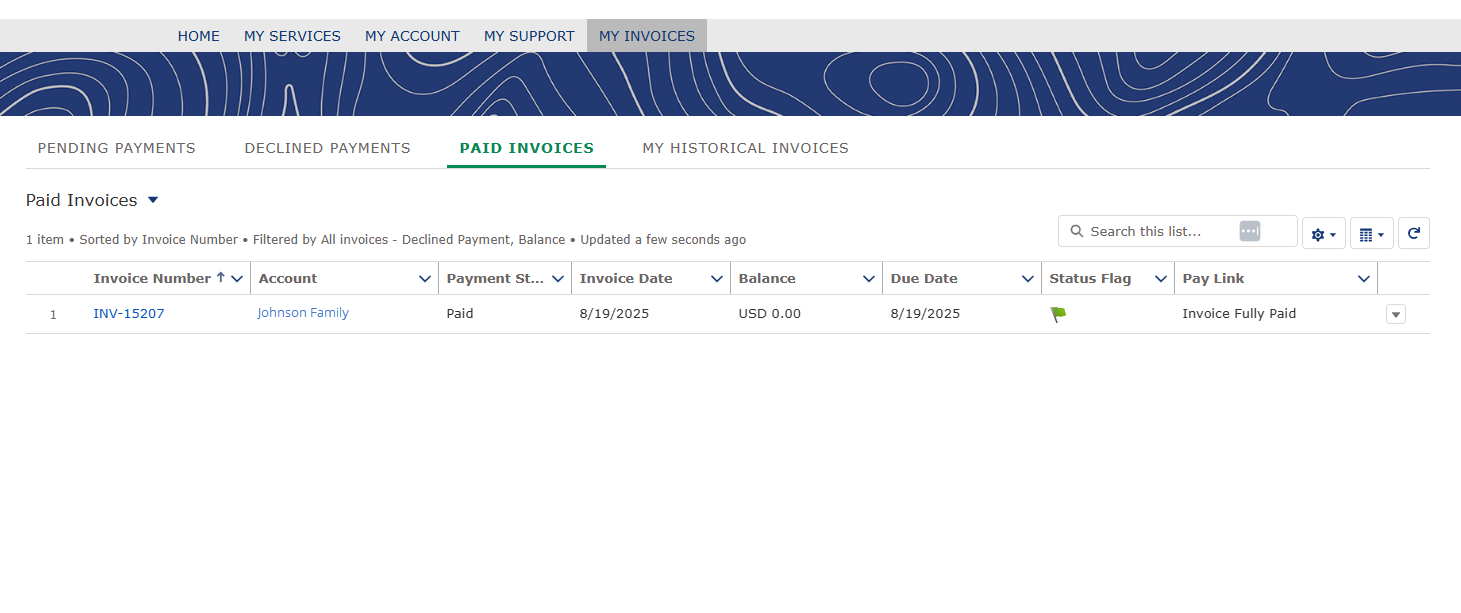
When logged into your Customer Portal, click "My Invoices" in the main menu. Select the "Pending Invoices" or "Declined Invoices" tab, then click "Click to Pay".
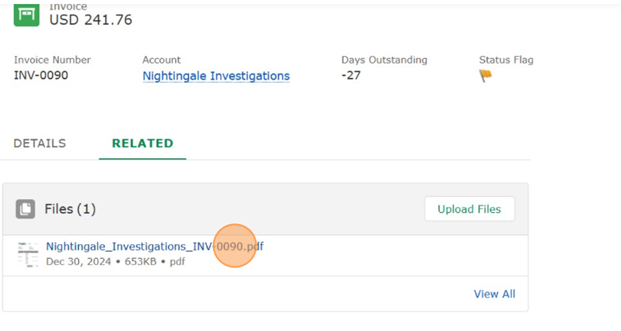
To download a copy of your invoice, click the “Generate Invoice Document” button.
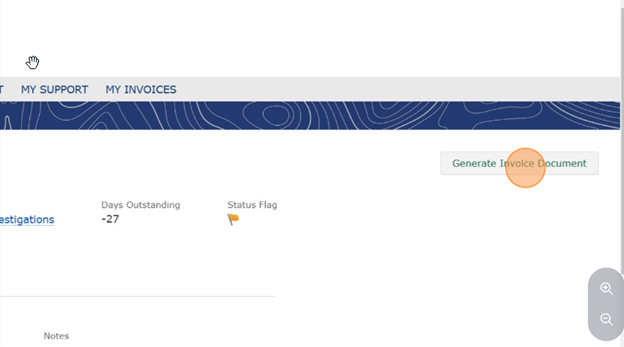
After generating, the PDF can be found in the “Related” section of the page.
If you have any trouble accessing your invoices, please don't hesitate to call us at (877) 944-4007.
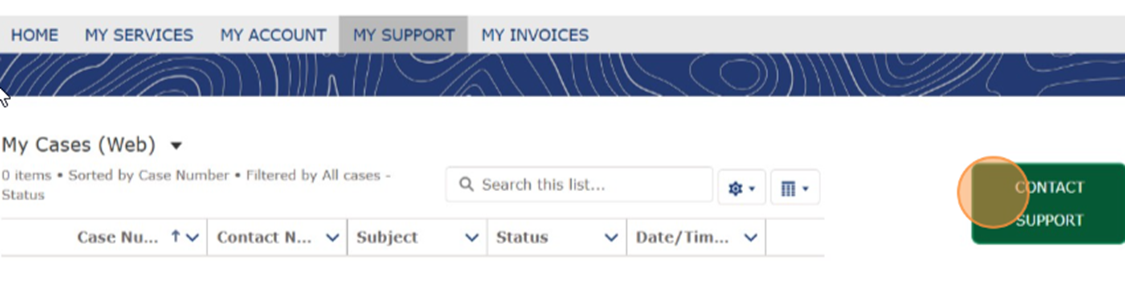
Customers cannot add or change a service from the Customer Portal, but they can request a change from the Portal by visiting “My Support” and clicking “Contact Support” to open a new ticket with our Customer Service Team.
To reset your password, visit your Customer Portal: https://www.mylawnportal.com/s/login/?expid=SenskeServices
Select “Forgot Password”. You will be emailed a link to reset your password.
To access your username, open the email* from Senske with the subject line: Welcome to Your New Senske Customer Portal!
Copy your username and paste it into the Password Reset screen.
*If you have not received an email inviting you to the Customer portal, move to the question, "How do I register?"
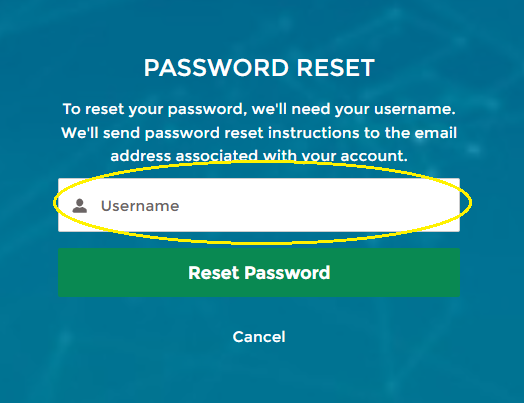
After you select "Reset Password", open your email and follow the instructions to continue with the password reset.